Short answer
A verification postcard is a physical card a platform like Amazon or Google Business Profile mails to your business address with a short code, to confirm you control that location. You receive it at the address, then enter the code in the platform's dashboard before its window closes.
Key takeaways
- Some platforms, including Amazon and Google Business Profile, verify your business address by mailing a postcard with a code you enter to confirm you control the location.
- You can receive a verification postcard at a virtual business address as long as mail is received and scanned for you, so the code reaches you quickly.
- Postcards that go missing are a common snag, so confirming the address is deliverable before you trigger verification helps it actually arrive.
Before you start
- Know which platform is verifying you, since each sets its own postcard timing and code format.
- Confirm your business address is deliverable before you request the postcard, so it does not get lost.
Who this is for
- Sellers and business owners verifying an account that mails a postcard.
- Anyone using a virtual address who needs to receive a verification code by mail.
- Owners whose verification postcard did not arrive the first time.
A surprising number of platforms still confirm a business address the old-fashioned way: they mail a postcard with a code on it, and you enter that code to prove you control the address. It is a small step that can stall an account for weeks if the postcard goes astray.
This guide covers what a verification postcard is, which platforms send one, how to receive it at a virtual business address, and what to do when it does not show up.
What a Verification Postcard Is
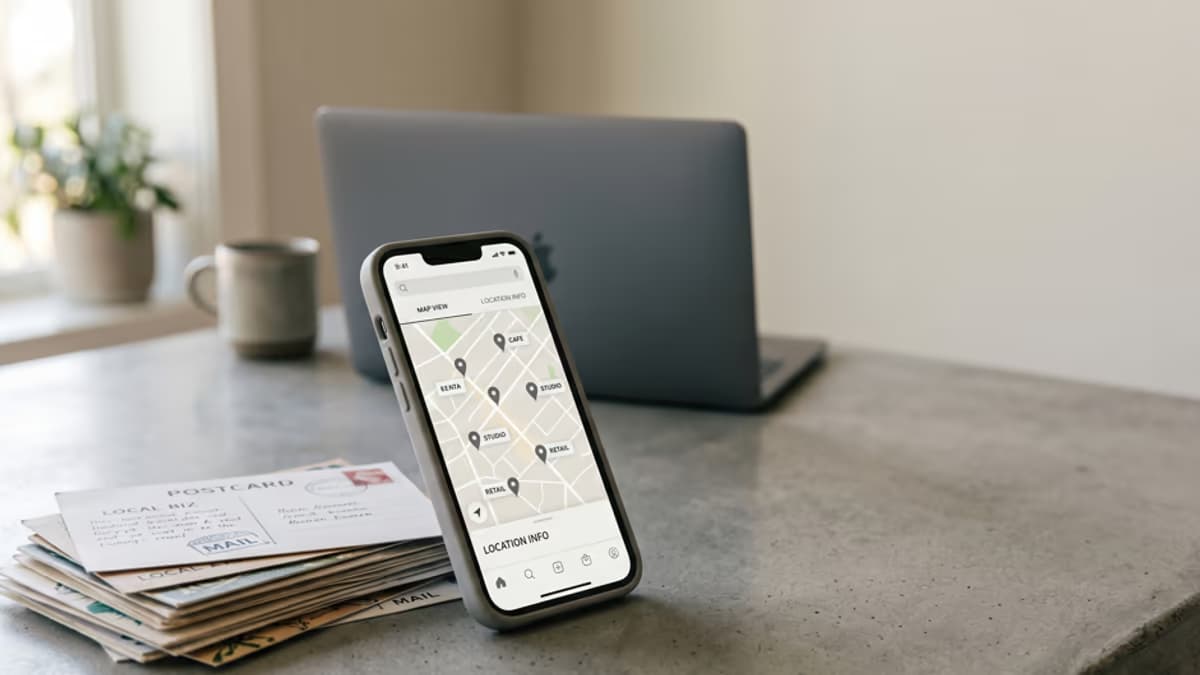
A verification postcard is a physical card a platform mails to the business address you entered, with a short code printed on it. By typing that code back into the platform, you confirm that you actually receive mail at the address, which is harder to fake than just typing an address in.
Because it relies on physical mail, the whole process depends on the address being one where mail is genuinely received, not a placeholder you never check.
Which Platforms Send One, and Which Verify Another Way
Mailed postcards or letters with a code are common for address-based verification, though each platform runs its own process, and some verify without mail at all.
- Google Business Profile can verify by mailing a code, though it increasingly uses video verification too, covered in our guide on Google Business Profile verification.
- Google AdSense mails a PIN to your payments address, covered in our guide on the AdSense business address.
- Amazon verifies seller information, including address checks, which our guide on the Amazon business address touches on.
- Some processes, like Google Ads advertiser verification, confirm your business another way rather than mailing a code.
Ready to set up your business address?
See which US cities fit — about a minute, no card needed.
Can You Receive It at a Virtual Address?
Yes, as long as the virtual address actually receives mail for you. The point of the postcard is that mail reaches the address, so an address with real mail handling behind it is exactly what the verification is checking for.
The risk is not the virtual address itself but using one that does not reliably receive and surface your mail, which is where a postcard quietly disappears.
How the Receive-and-Scan Workflow Works
With a real business address that handles mail, the postcard is received on your behalf and scanned to an online inbox. Instead of waiting to physically visit a box, you see the card, and the code on it, in your inbox.
That matters because verification codes are often time-limited, so the faster you see the postcard, the more margin you have to enter the code before the window closes.
Timing and Expiry Vary by Platform
Each platform sets its own timing, and the postcard can take anywhere from a few business days to a couple of weeks to arrive, with its own window to use the code before it expires. Because these details change and differ by platform, confirm the current timing on the platform itself.
The practical takeaway is to start verification when you can act on the code promptly, rather than right before a deadline, since a missed window usually means starting over.
Entering the Code
Once the postcard arrives, you enter the code in the same place you started verification, usually a settings or account-health page. The codes are short, often five or six digits, so the common mistake is a simple typo rather than anything complicated.
When the Postcard Does Not Arrive
A postcard that never shows up is the most common complaint, and most platforms let you request a new one after a waiting period. Before you do, it is worth checking that the address can actually receive mail, since a second postcard sent to an undeliverable address will fail the same way.
If you keep an eye on the deliverability of the address up front, the resend usually solves it. If the address itself is the problem, no number of resends will fix it.
Check Your Address Is Deliverable First
Since the whole process hinges on a postcard reaching you, the most useful thing to do before you trigger verification is confirm the address is a real, deliverable street address.
You can confirm how an address is classified and whether it is deliverable with our free Address Checker before you request a verification postcard.
Verification postcards are a low-tech step that can hold up an account, so the fix is an address that genuinely receives and surfaces your mail, with the code scanned to you quickly enough to beat the expiry window.
Confirm the address is deliverable before you request the postcard, watch for the scan, and enter the code promptly, and a verification postcard stops being the thing that stalls your account setup.
Frequently Asked Questions
Not sure what you need?
Two short pages sort it out — what the products actually are, and which situation you're in.