Key takeaways
- Merchant Center keeps its own business address in your account settings, and it is separate from your Google Ads account and your Google Business Profile.
- Google checks that your business information is accurate and consistent, so an address that does not match your website or cannot be verified is a common reason listings get held or accounts get flagged.
- Merchant Center needs a real, verifiable business address, so a PO Box is a weak choice, while a real commercial street address keeps your home private and holds up to review.
Before you start
- Pick one real business address you can use consistently across Merchant Center, your website, and your business filings.
- Make sure that address matches the contact details and any policy pages on your store.
Who this is for
- Online sellers setting up Google Merchant Center for the first time.
- Sellers whose products were disapproved or whose account flagged business information.
- Non-resident or online-only sellers lining up a consistent US business address.
Google Merchant Center asks for a business address, and it does more than store it. Google checks that your business information is accurate and consistent, so an address that does not match your site or cannot be verified can hold up your products or flag your account.
This guide covers where Merchant Center keeps your address, how it is different from Google Ads and a Business Profile, why the address has to be verifiable, and whether a home, virtual, or PO Box address works.
Setting up your LLC? See your US address options — no card →
Where Merchant Center Keeps Your Address
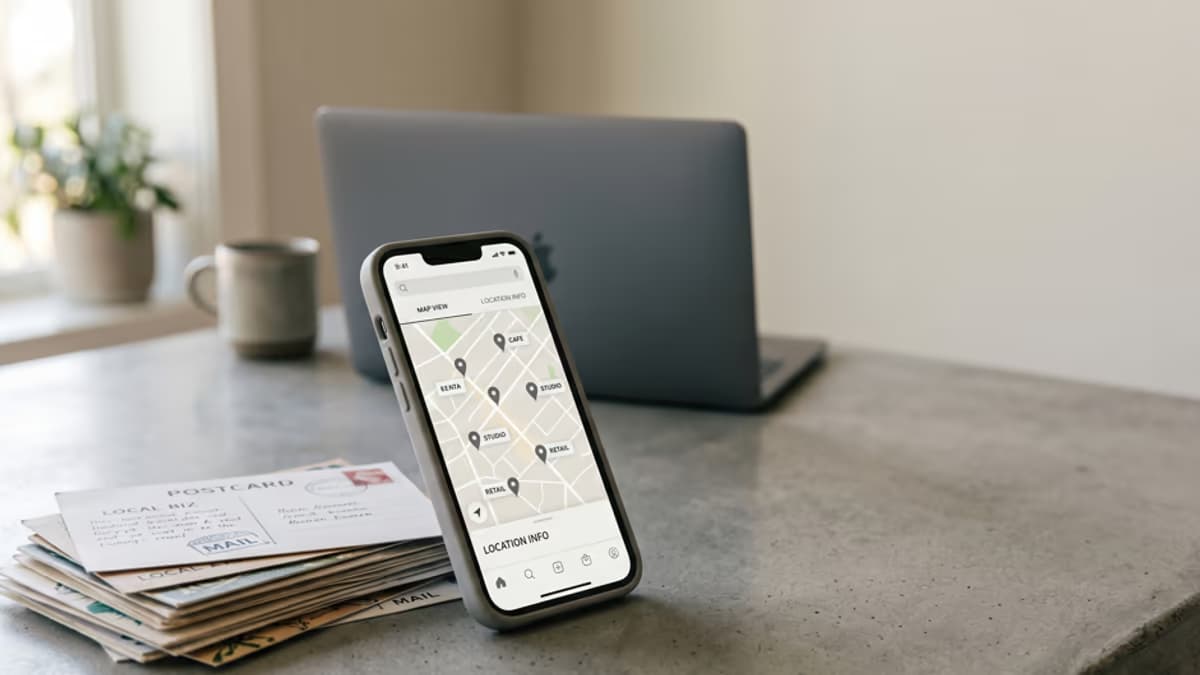
Your business address lives in your Merchant Center business information, under Settings then Business info, and Google describes the field as where your business is registered. This is the address Google ties to the account that feeds your product listings, and Google says it uses the business information you submit to display to shoppers who view your products.
It is worth getting right at setup, because this information is part of how Google decides whether your store looks like a real, trustworthy business. Listings that pass review still depend on the business behind them checking out.
Merchant Center Is Not Google Ads or a Business Profile
Google runs addresses through different products, and they are not the same thing. Mixing them up is how sellers end up confused about which address matters where.
- Merchant Center holds the business address tied to your product feed and Shopping listings.
- Google Ads keeps its own advertiser verification, which is about who is running the ads and how billing is set up, and changes to the payments profile or billing address can trigger re-verification.
- A Google Business Profile is a local listing tied to a physical place customers can visit, or a business that travels to customers, with its own verification. Google states that a rented mailing address the business does not operate out of, which it calls a virtual office, is not eligible for a profile.
An online-only store usually needs Merchant Center without a Business Profile, since there is no walk-in location for customers to visit. Keeping these separate helps you give each one the right address.
Ready to set up your business address?
See which US cities fit — about a minute, no card needed.
Why the Address Has to Be Verifiable
Google's policies expect the business information in your account to be accurate and to match the rest of your presence. When the address on your store, your contact page, and your Merchant Center account line up, there is nothing to flag.
- An address that conflicts with your website is a named cause of trouble, not just a risk factor. Google lists inconsistent business details as a reason accounts get flagged, and tells merchants to make the business name, address, and phone identical across the website footer, the contact page, and Merchant Center settings.
- Merchant Center's own business information page does not publish a list of banned address types, but the Google payments profile behind billing does: Google says it allows only a physical address there and does not allow a PO box.
- Clearing a flagged account after the fact is slower than entering a verifiable address from the start.
Home, Virtual, or PO Box?
This is the question most sellers are really asking. A home address works for the account, but it ties your private address to a business that Google, and in some cases customers, can see.
- Nothing Google publishes bars a home address, but Google says it uses the business information you submit to display to shoppers who view your products, so your residence can end up in front of customers.
- A PO Box is a weak choice in Merchant Center's business information, and it is a hard stop on the Google payments profile you need for billing, where Google says it allows only a physical address.
- A real commercial street address keeps your home private and gives Google a consistent, verifiable location to check against.
You can confirm how an address is classified and whether it is deliverable with our free Address Checker before you add it to Merchant Center.
Online-Only and Non-Resident Sellers
If you sell into the US from abroad or run an online-only store, consistency is the whole game. The same real business address across Merchant Center, your website, and your business filing is what keeps your account clear of mismatches.
- Use one real US business address and make sure it matches your store and your formation papers.
- Keep your contact details and any policy pages on the same address, since Google can compare them.
- Confirm the address is valid before you submit your feed, so a review does not stall on it.
You can set up a real US business address in one of several cities through save office onboarding, usually within a day, and use it across your store and your filings.
Merchant Center keeps its own business address, checks that your business information holds up, and treats a mismatched or unverifiable address as a reason to slow things down. The goal is one real business address that is consistent everywhere Google can look.
Line up your Merchant Center address with your website and your filings, confirm it is deliverable, and keep a PO Box out of it, and your listings have one less thing standing between them and approval.
Frequently Asked Questions
Sources & References
Primary sources this guide is based on.
- 1Google Merchant Center Help · Add your business information, Merchant Center business address field (accessed August 8, 2026)
- 2Google Merchant Center Help · How to fix missing contact information on your online store (accessed August 8, 2026)
- 3Google Merchant Center Help · Misrepresentation policy for Shopping ads and local inventory ads (accessed August 8, 2026)
- 4Google payments center Help · Create a payments profile, legal business address requirement (accessed August 8, 2026)
- 5Google Ads Policies Help · Advertiser verification, Google Ads policy (accessed August 8, 2026)
- 6Google Business Profile Help · Guidelines for representing your business on Google (accessed August 8, 2026)
Not sure what you need?
Two short pages sort it out — what the products actually are, and which situation you're in.